

Choose between an account search and a post URL
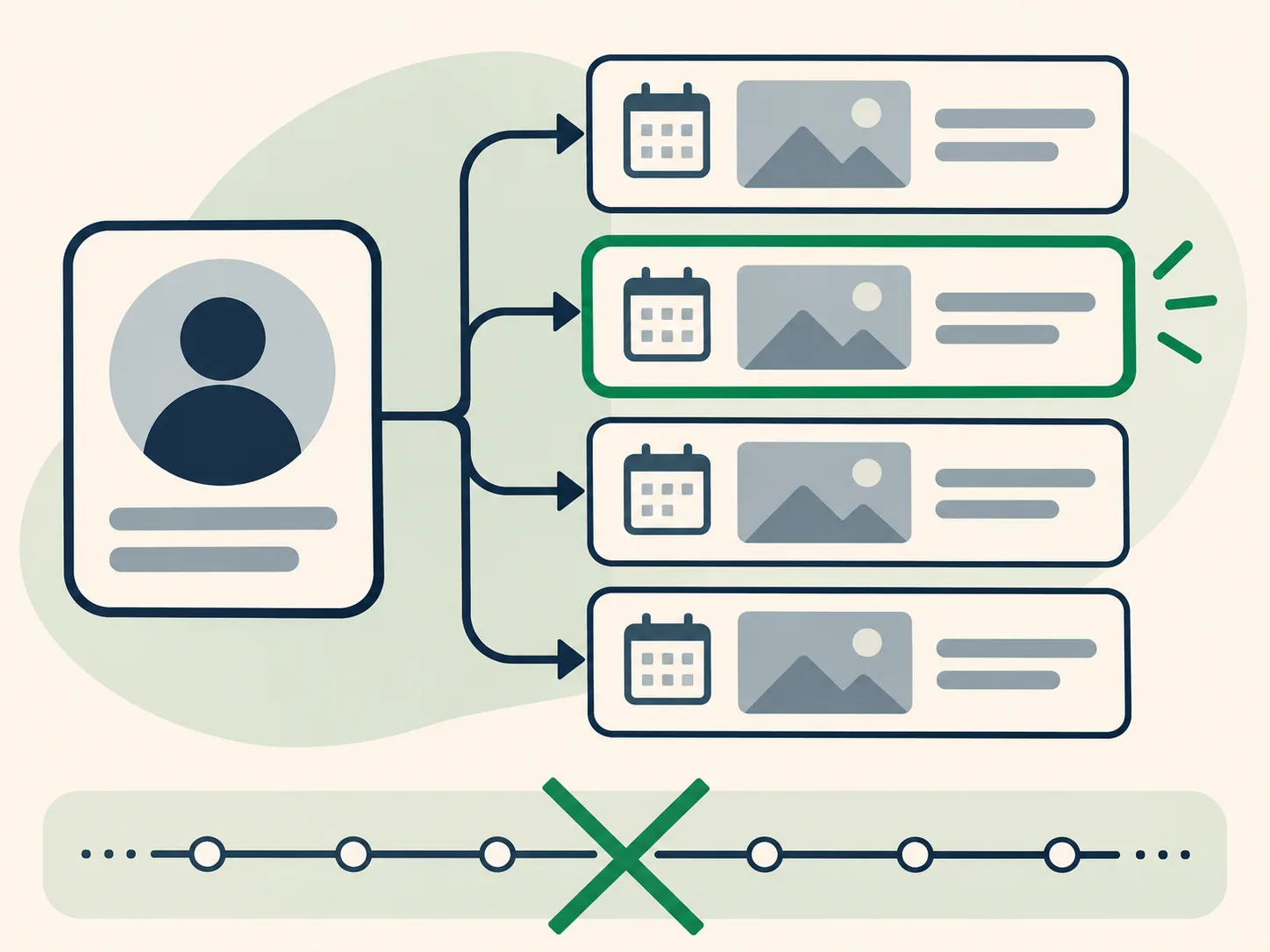
Use a username when you are exploring what an account index contains or when you have only a person’s public handle. Enter the account name without the at sign and review the returned status-page entries. This approach is broad: it can surface multiple post URLs that the index associates with that username, but it may not include every post or every archive capture. If you are investigating one known post, a direct URL is narrower and usually easier to verify because it carries the post identifier.
The spelling matters. A handle can change over time, and display names are not stable identifiers. If you know an older username, try the version that was in use during the relevant period. When searching for a specific post, preserve the numeric status ID and the original host from the saved link. Find Deleted Tweets supports discovery by username on the home page and direct post checks through Download Archived Media.
Normalize the status URL without losing its identifier
A post address commonly contains an account path and a status identifier. The status identifier is the most useful part when checking a particular page because the surrounding username segment may reflect an old handle or a reposted link. Copy the URL as you received it, then confirm that it contains the status path and a numeric identifier. Avoid inventing different address patterns before checking the exact known URL; a guessed address can point to a different page or produce a misleading no-result.
If you have links from several sources, compare the numeric IDs and keep duplicates together rather than assuming that slightly different hosts refer to different posts. The platform has changed its domain names over time, so an archived page may use an older hostname. Search tools can handle some common variants, but they cannot infer a missing identifier or identify a target from a partial screenshot alone. Save the original URL as a note before testing normalized forms.

Read capture timestamps as archive dates
A Wayback timestamp records when a page was captured, not when the post was written. Keep those two dates separate in notes and reports. For example, a capture made weeks after publication may preserve a page that had already changed, while an earlier capture may include media that a later replay no longer loads. If several snapshots are listed, open more than one when the timing could change your interpretation.
Compare the visible content and the surrounding page structure across dates. A timestamped capture can redirect, render only a shell, or omit files that were hosted separately. The capture date is still useful evidence of a retrieval event, but it does not guarantee the original page was preserved exactly. The timeline illustration shows how to treat each capture as a separate observation rather than as a continuous history.

Compare duplicates and variants before choosing a result
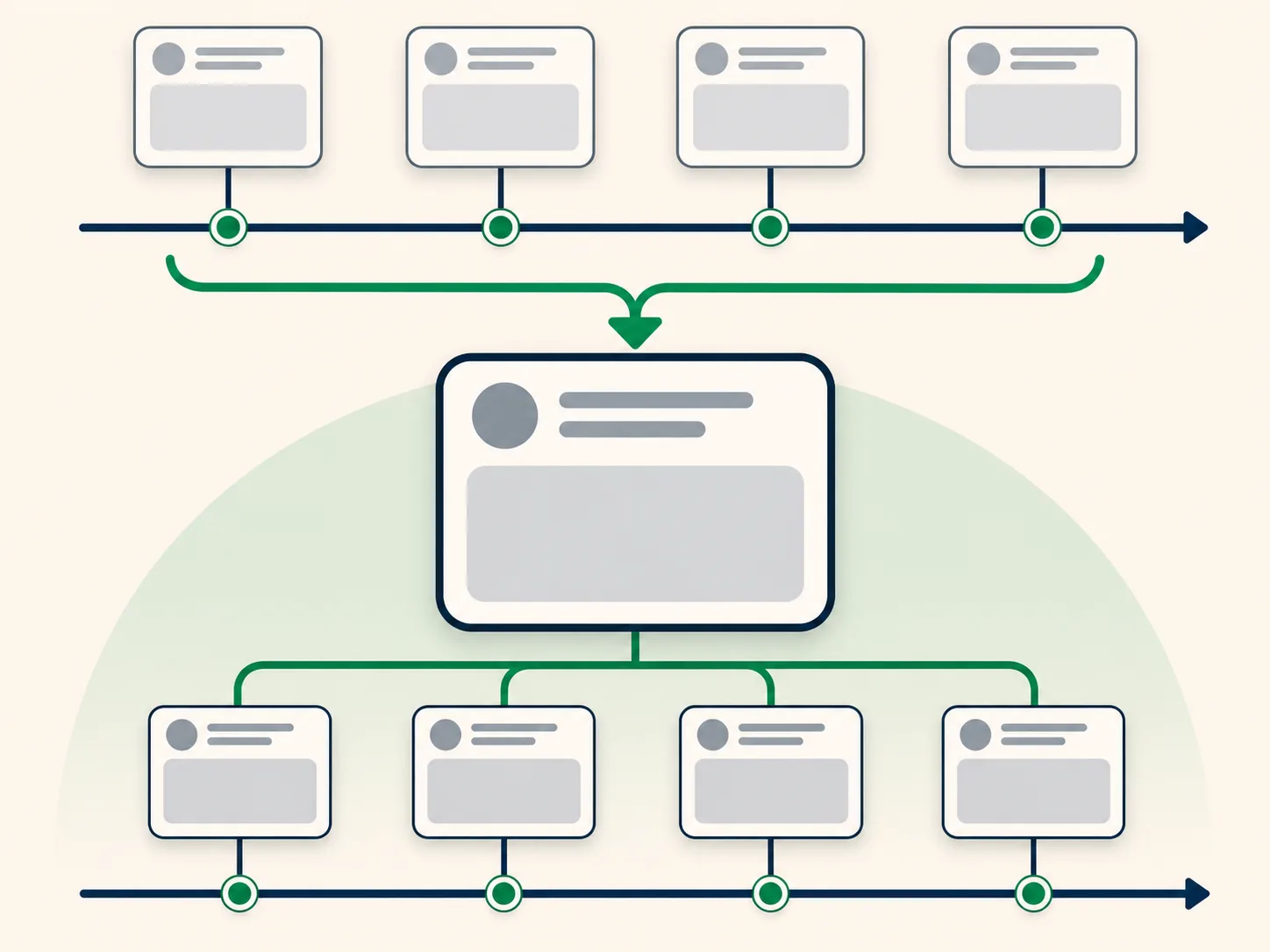
Indexes may return repeated status URLs, repeated captures, or variants that differ by hostname or timestamp. A duplicate is not automatically a separate post. Compare the status ID first, then the capture date and final destination. When two rows share the same status ID but have different timestamps, they may represent separate attempts to save the same page. When they have different IDs, they may be separate posts even if the text looks similar.
An efficient review keeps one row per distinct post identifier and records each relevant capture timestamp under that row. This makes it easier to see whether the index contains several snapshots of one post or multiple posts in a thread. Do not merge records based solely on matching text: posts can be copied, quoted, or repeated. If you need to preserve the results as a structured record, the Archive Evidence Dossier describes how the paid export organizes available entries without claiming that they are complete.
Understand index limits and partial result sets
A search index is a discovery layer, not the archive itself. It may expose only a subset of known URLs, cap the number of results returned in one request, or temporarily fail. Large accounts can therefore appear to have fewer entries than expected. If the result page marks an index as partial, treat the list as a sample of entries returned so far rather than an exhaustive timeline. A missing row can reflect index coverage or query behavior, not the absence of a post from history.
Try a direct status URL when one is available, and use account search when you need broader discovery. If one request fails, retry after a short pause and avoid rapid repeated requests. For route-specific guidance, read Why Archive Results Can Be Missing and How to Find Deleted Tweets in Public Archives. See How It Works for the order in which the service checks entries and snapshots.

Verify the source page and describe what you see
Once you open a candidate capture, verify that the account and status identifier match your target. Read any text that is actually present, note whether images or video load, and record the archive date separately. When the page shows only a placeholder or an error, describe that state instead of paraphrasing content from a search snippet or a different copy. This distinction matters in legal, editorial, and research workflows where the source should be reproducible.
A capture can preserve a page frame without preserving every linked asset. A media preview can be a thumbnail rather than the full file. The archive may also replay scripts differently from the original page. For more on those cases, see Why an Archived Post May Be Missing Text or Media and How to Open Media from an Archived Post. The FAQ explains what search results do and do not establish.
Manual archive navigation compared with index search
Manual archive navigation can be precise when you already have a URL and a date to test. It is slower when you are exploring an account or do not know which capture dates exist. Index search provides a faster list of candidate addresses, but it introduces the limits of whatever public index is queried. Neither method turns a missing file into a saved one; both depend on capture coverage and replay availability.
A practical workflow uses the index for discovery, direct URL lookup for a known post, and the archive capture itself for verification. If the source matters, keep a short research log with the query, returned post identifier, capture timestamp, and what was visible. That makes later review more dependable than retaining a guessed address without noting how it was found.
Choosing a search method
Different starting points answer different questions. Use this comparison to choose a practical first step, then verify the dated page capture itself.
| Method | Useful for | Limit to remember |
|---|---|---|
| Hand-built archive URL | Best when a URL and target date are already known | Easy to miss other timestamps or URL variants |
| Account index query | Useful for discovering indexed status URLs | May return partial or capped results |
| Direct status lookup | Useful for verifying one known post | Does not enumerate an account’s other posts |
Frequently asked questions
Can I search every Twitter post from an account?
No. A public index search returns entries available from its source. It is not a guaranteed full timeline or an inventory of every saved capture.
Is the capture date the date the tweet was published?
No. The archive timestamp describes when a capture was recorded. The post’s own displayed timestamp, if preserved, is a separate value.
Why are several rows associated with one post?
They may be separate capture dates or URL variants for the same status identifier. Compare the ID, destination, and timestamp before treating rows as distinct posts.
Should I keep trying if the archive search fails?
Check the username or URL for a typo, then retry later if the request was temporarily unavailable. Repeated requests cannot create a missing capture.
Does an index result guarantee that the post opens?
No. An index can list a URL even when the replay is incomplete, redirected, or missing text and media. Open the dated snapshot to verify its contents.
Summary
Use an account query to discover candidate status pages, a direct URL check for a known post, and the timestamped capture to verify preserved content. Keep those steps separate in your notes. Start a search from the home page, review the direct media lookup, or see the pricing page for the dossier export.