

1. Start with the most reliable identifier you have
If you know the account, begin with its exact public username, without the leading at sign. Usernames are more reliable search inputs than a display name because display names can change, repeat across accounts, or include punctuation that an index handles differently. Find Deleted Tweets accepts a username and queries a public index for status-page URLs associated with that account. The result is a starting point for research, not a complete export of everything the account has posted.
If you already have a post URL, keep it. A direct status URL contains a numeric post identifier, which can be more precise than searching an entire account. Copy the whole address from your browser history, a message, or a saved reference. Check that it includes a status identifier and that it belongs to the account you expect. Do not remove the identifier or replace it with a guessed URL before checking the original.
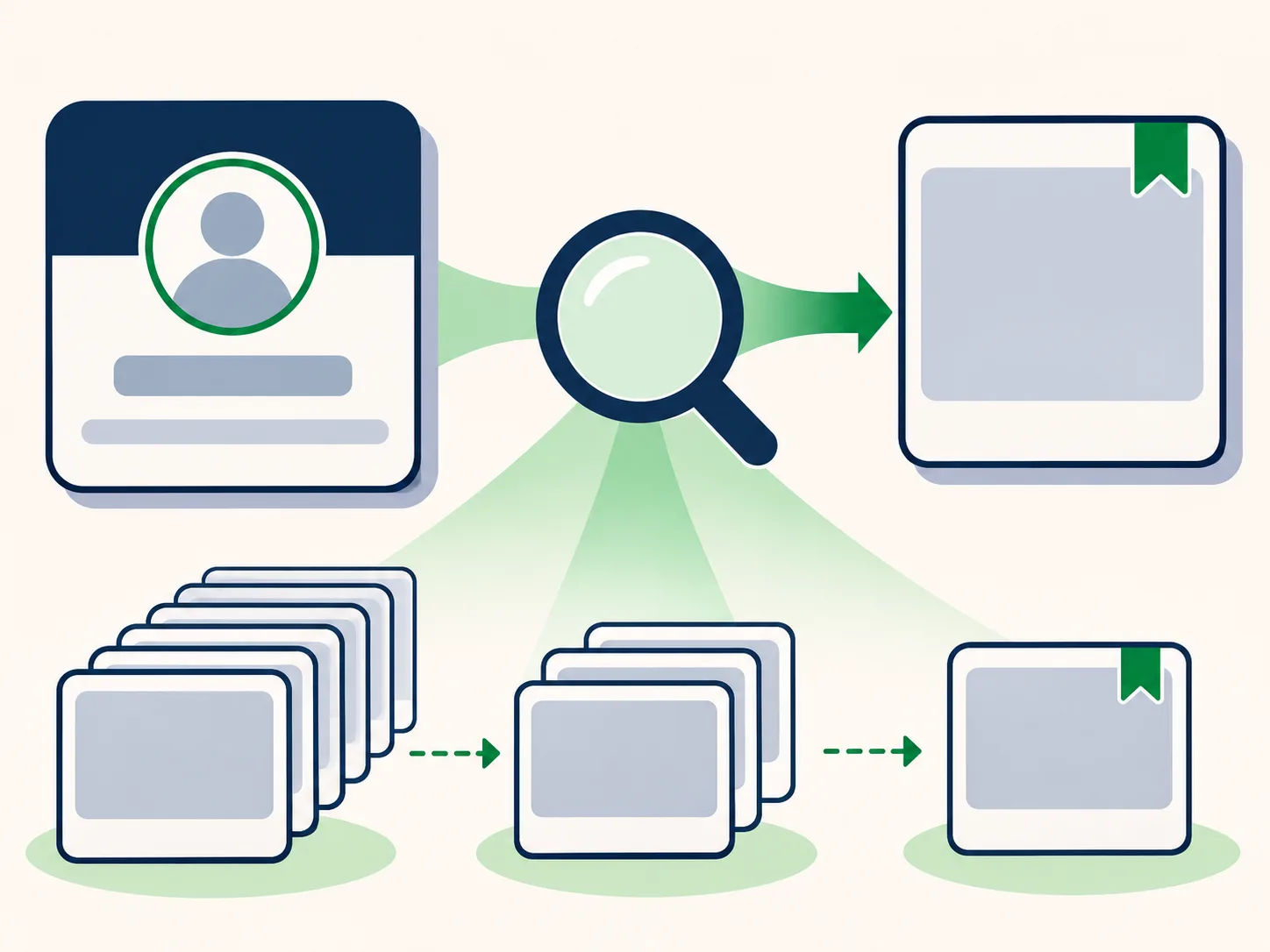
2. Search the public index and read its scope carefully
Submit the username in the search box on the home page. The service returns the indexed status-page entries available through its configured public search source. A count on the results screen describes the returned index entries; it is not a verified count of all posts by the account, all deleted posts, or all captures held by every archive. Some results may refer to posts that are still available, while others may point to partial or old snapshots.
Look at the account name, status identifier, and capture date together. If you are searching for a particular event, narrow your attention to dates near that event rather than assuming that the newest result is the relevant one. When the archive list is long, use the account archive page to search loaded post text, sort captures, or filter by capture date and media type. Those controls operate on the entries currently loaded in the page, so an empty filtered view can mean that more pages need to be opened.
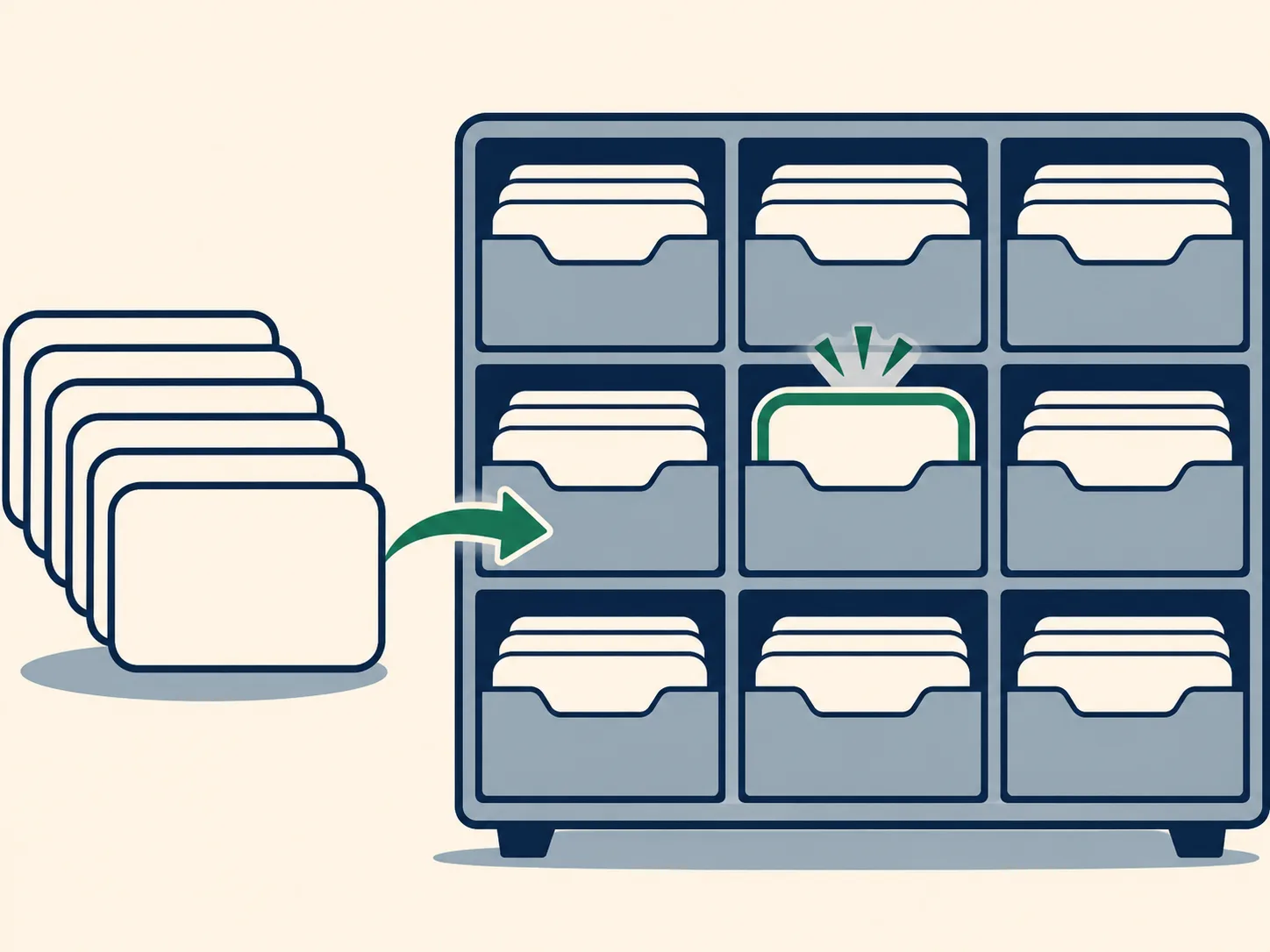
3. Open a timestamped capture, not just the indexed URL
A post URL and a saved page are different things. The index may know that a status-page address was captured, while the actual snapshot contains only a shell, a redirect, or a small portion of the original page. Open a capture date that matches the period you care about and inspect the page itself. If several dates are available, compare them; a later capture may have missing assets that an earlier one retained, or the reverse.
Record the capture date separately from the post date. A post timestamp describes when the platform says the post was published; an archive timestamp describes when a crawler requested or stored a copy. Those times can be far apart. If the page contains a visible timestamp, preserve it as displayed and avoid converting it into a stronger claim than the source supports. The capture timeline illustration below shows why checking more than one saved moment can matter.

4. Separate preserved evidence from conclusions about deletion
An archived copy can help you see deleted tweets when the text was actually preserved. It can also reveal a media thumbnail, surrounding account details, or a reply reference. But a missing page is not evidence that a post never existed, and a saved page does not prove that a post has since been deleted. The capture records what an archive could retrieve at one time. It usually cannot explain why the original page is unavailable now.
For careful research, distinguish three statements: an indexed URL was returned; a capture exists at a particular time; and some particular text or file is visible in that capture. Each statement requires its own evidence. If you are documenting a finding, note the account, post identifier, archive timestamp, visible content, and any missing elements. The evidence dossier described on our pricing page is designed to organize available public index entries and captures into reviewable files; it does not make unavailable source material appear.

5. If you know the post URL, check it directly
A username search is useful for discovery, but a known post URL can reduce ambiguity. Open Download Archived Media, paste the public X or Twitter status URL, and check whether a snapshot and media file are available. The lookup checks archive availability for that specific post; it is not a search across every post from the account. If the original URL uses a different supported host or format, use the full URL you have rather than guessing which variant was captured.
When a result appears, verify the account and status identifier before treating it as a match. A copied link can point to a quoted post, a reply, or a different account than expected. If the lookup finds a capture but the text is incomplete, use the listed capture history to compare dates when available. If nothing appears, try the username index as a second discovery route. A no-result response means that this check did not return a usable match; it does not establish what the archive, platform, or another source may contain.

6. Manual URL guessing versus an index-led workflow
A common manual approach is to build archive addresses by hand, changing a date or URL until a page opens. That can be helpful when you already know the exact address and want to check one specific capture, but it does not tell you which post URLs were indexed for an account. It also makes it easy to overlook host variants, timestamps, redirects, and the difference between a page shell and preserved content.
An index-led workflow starts with the username or known post URL, shows returned entries, and lets you inspect the available captures. This reduces repetitive URL construction, while keeping the same archive limits: the index can be partial, a capture can be incomplete, and no workflow can restore a page that was not saved. Use the method that fits what you know, then document exactly what the resulting snapshot shows.
7. Common reasons a search does not find the post
The account may not have an entry in the public index, the specific post URL may never have been captured, or a capture may exist without the text you expect. Index providers can return partial sets or temporarily fail to respond. A username typo, renamed account, noncanonical URL, or incorrect status identifier can also lead to a false dead end. Check the spelling, remove only the leading at sign, and use the original URL if you have one. If a search request is temporarily unavailable, try once more later rather than interpreting the error as a definitive absence.
A capture can also load differently across dates because page scripts and media are separate from the status URL. Text may be visible while an image is missing; a thumbnail may survive while a video file does not; or the replay may show only a generic page. For more troubleshooting detail, read Why an Archived Post May Be Missing Text or Media. To understand the source path and workflow, see How It Works and the FAQ.
Choosing a search method
Different starting points answer different questions. Use this comparison to choose a practical first step, then verify the dated page capture itself.
| Method | Useful for | Limit to remember |
|---|---|---|
| Manual address guessing | Requires a known URL and repeated edits | Can miss indexed alternatives and capture dates |
| Username index search | Starts from an account identifier | Shows returned entries, which may be partial |
| Direct post lookup | Checks one known status URL | Does not search an account timeline |
Frequently asked questions
Can I recover any deleted tweet?
No. A post can only be viewed here if a public archive or index retained usable information. A post that was never captured cannot be reconstructed by this search tool.
Does a result prove that the post was deleted?
No. A result shows an indexed address or an archived snapshot. It does not establish whether the post is live, deleted, withheld, renamed, or otherwise unavailable today.
Why does an account search show only some posts?
The service receives indexed entries from a public search source. Its results can be partial and should not be treated as a complete account history or total archive count.
What should I do if I know the exact post link?
Use the direct lookup on the download page. It checks a known status URL for a saved page and media; it does not search the account’s other posts.
Can the service restore missing text or media?
No. It can display only what a saved page or file preserved and what remains replayable. Missing archive content cannot be filled in from the current platform.
Summary
A reliable deleted tweet search is a way to locate and inspect existing public snapshots, not a promise of recovery. Start from the best identifier you have, compare the capture timestamps, and describe only what the archive actually preserves. Search a username on the home page, review the step-by-step workflow, and use the FAQ when a result is incomplete.