

A page URL and its assets are separate archive targets
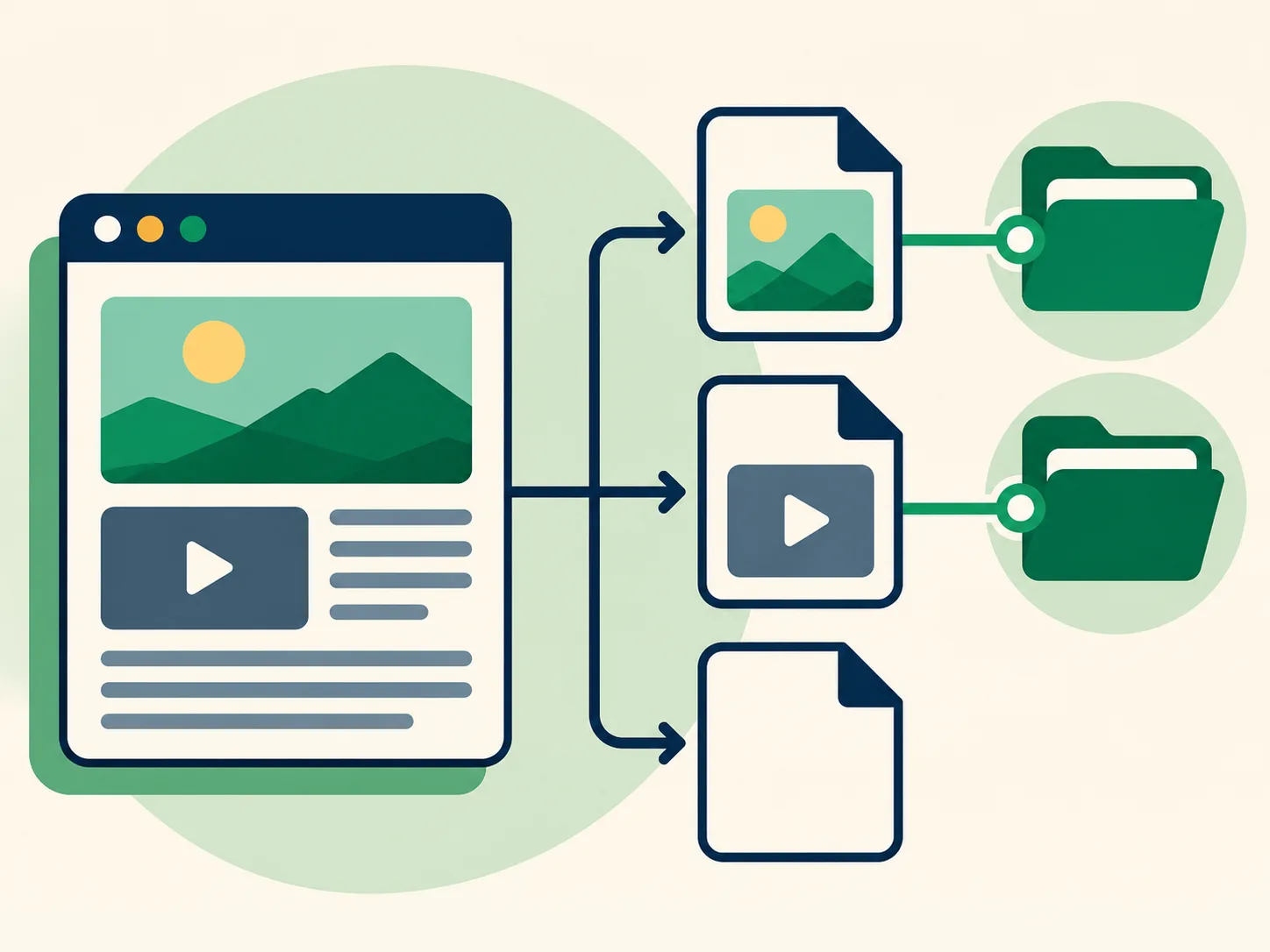
A post page often refers to images, videos, profile details, scripts, and stylesheets stored at different addresses. A crawler can save the main URL without saving every file that the page requested. The replay may therefore show the post text but a broken image, or a thumbnail without a full-size image. A capture entry for the status page does not guarantee that all of its linked media was captured in the same session.
This separation also explains why two snapshots of one post may look different. One could contain the page shell and text; another might replay a thumbnail but not the original video. When an asset is missing, check whether the archive page provides a distinct preserved file and compare another timestamp. If no saved file appears, there may be nothing for a browser to retrieve. Read How to Open Media from an Archived Post for the separate file workflow.
Dynamic pages can render differently during replay
Modern social pages assemble content through scripts and network requests. A historical crawler may have fetched the initial HTML but not the same JavaScript responses or data that a live browser would receive. When that happens, the archived page can show a navigation frame, loading placeholder, or empty body. Replaying a page years later can also behave differently as browsers and scripts change.
A page that appears blank should not be interpreted as proof that the post contained no text. Inspect the capture source and timestamp, then compare another saved date if the archive lists one. Search engines may show snippets from material that the replay no longer displays, but a snippet is not a substitute for a visible source capture. Keep a note of which fields are visible and which are absent. The diagram illustrates the difference between the page shell and content that had to load dynamically.

Different capture times preserve different versions
A capture is a point-in-time request. The page could have changed between captures, and a crawler could have reached different resources on each attempt. One date may preserve a working preview while a later one contains a redirect; one may show text while another has a missing embed. For this reason, a single failed replay is not a dependable summary of every available capture.
Use the capture history to compare dates, not to assume that a later snapshot is always better. Record the timestamp alongside what loaded. If the page date is also visible, keep both dates in your notes. That practice avoids conflating when a post was created with when a page was archived. Our search guide explains timestamp handling and index variants in more detail.

URL differences can lead to a different result
The same post can be referenced with different hostnames, protocol prefixes, trailing slashes, or account-name paths. Archive indexes may store one form while a user supplies another. A changed username can also make an old path look unfamiliar even though the status ID is unchanged. Preserve the original link and compare its status identifier before deciding that a search result is unrelated.
When checking a specific post, use the full known address in the direct lookup and confirm the returned account and ID. When discovering posts for an account, search the username separately. These are complementary paths, not interchangeable checks. If a variation returns no result, it only means that variation did not produce a usable match in the current lookup. The illustration calls out why a different route can lead away from the capture you meant to inspect.

Use a consistent troubleshooting sequence
First confirm that the username or post identifier is spelled correctly. Next, try the alternate discovery path: switch from account search to a known status URL, or from a direct URL to the username index. Then open every relevant capture date and note whether the page, text, thumbnail, and full media file each load. Finally, pause and retry if the index service itself failed; a transient service error is different from a valid no-match response.
Avoid refreshing the same failing replay repeatedly without changing the input or timestamp. That does not create new source material and can make a temporary service limit worse. The FAQ covers no-result and missing-media cases, while How It Works explains what the service checks. If you are assembling a review record, the dossier details describe the exported source ledger and files available for a completed order.

What a missing result can and cannot tell you
A missing page or file tells you that the current query did not return content you can inspect. It does not prove that the post never existed, that it was deleted, or that no copy is held by any other source. Likewise, a successful capture shows that some page was saved at a particular time; it does not establish the current status of the post or whether the saved content is authentic beyond the archive record.
Use precise descriptions such as “the index returned no matching URL,” “the capture page loaded but the text was absent,” or “the preview loaded but no downloadable media file was available.” Those statements are narrower and more useful than saying that an archive proves a post was erased. When the question is whether a known link has an available snapshot, use the direct lookup. To find candidate posts by account, start at the home page.
When to use the archive search tool
Use Find Deleted Tweets when you want a structured way to search an account’s indexed status URLs, open available captures, filter loaded entries, or check one known post URL for archived media. It brings those checks into one workflow and makes the boundary visible: the tool reports what the configured public index and saved snapshots return. It cannot fill missing content from the live platform or guarantee that an archive has a record.
For a plain explanation of the service boundaries, open About and the FAQ. For a fuller account of URL searches and timestamps, read How to Search Wayback Machine Archives. If you want to understand what the export includes, see Pricing. These pages are designed to answer distinct questions, so you can move from discovery to inspection without treating an incomplete snapshot as a complete history.
Choosing a search method
Different starting points answer different questions. Use this comparison to choose a practical first step, then verify the dated page capture itself.
| Method | Useful for | Limit to remember |
|---|---|---|
| Page URL captured | The archive knows or saved a page address | Does not guarantee readable text or media |
| Text visible in replay | Some text was preserved and can be read | Does not prove the page is complete |
| Media file available | A distinct replayable asset can be opened | A thumbnail alone may not be the original file |
Frequently asked questions
Why does the archived page open with no tweet text?
The capture may contain a page shell without the dynamic content response, or the relevant content may not have been saved. Compare other capture dates if available.
Why does an image appear in the page but not download?
The visible preview may be a thumbnail or an embedded placeholder. A separate full media file must also have been captured and remain replayable.
Does a missing capture mean the tweet never existed?
No. It means the current search did not find a usable capture. Public indexes and archives can be incomplete.
Can I fix an incomplete capture by changing the URL?
A known host or username variant may help locate a stored page, but changing an address cannot create content that was never captured. Keep the status ID intact.
Why do two capture dates look different?
They are separate retrieval attempts at different times. The page and its external assets can change, and each capture can preserve a different subset.
Summary
Archive gaps are normal because pages, scripts, and media files can have separate capture outcomes. Compare timestamps, test a known URL carefully, and report only what the replay visibly preserves. Continue with the search workflow, media lookup, or FAQ.