
What you can inspect
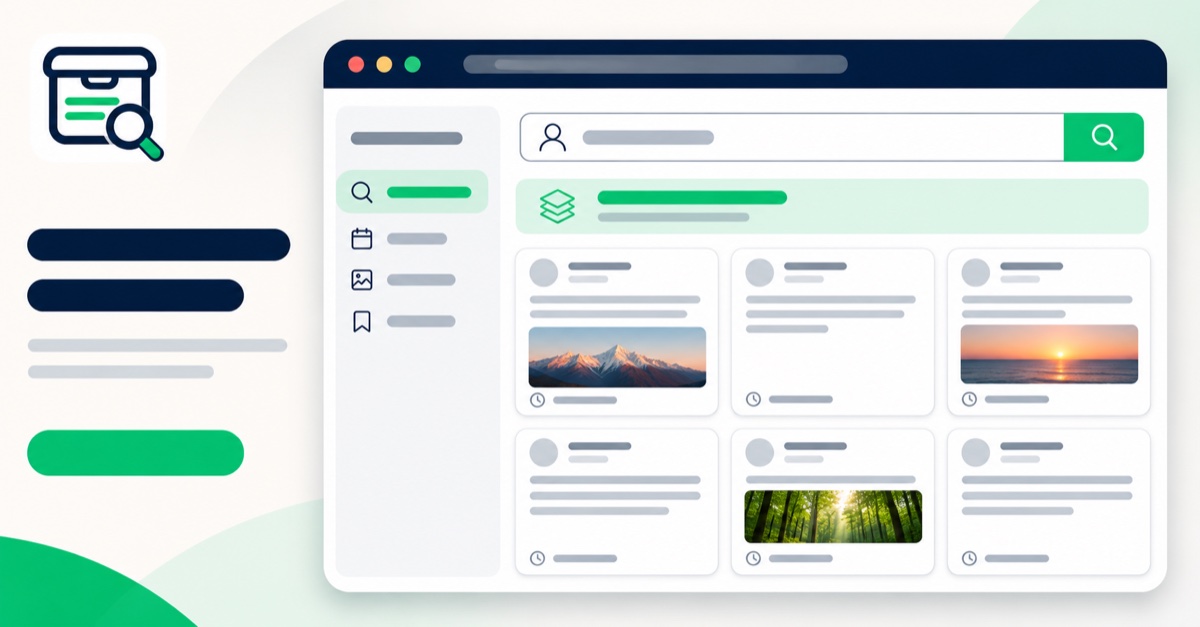
Start with a public username to see status-page entries returned by the configured public index. Open the archive browser to inspect loaded snapshots and filter by text, media type, post type, or capture date. If you already have a status URL, use the separate media lookup to check whether a page or media file was preserved.
Search an account
Use a public username to find indexed status-page URLs. Returned entries are a discovery set, not a complete account timeline.
Browse saved captures
Inspect timestamped pages and the text, media, or relationship context actually present in each capture.
Review evidence coverage
Check read status and source details before deciding whether a one-time dossier export fits your workflow.
What this preview does not imply
The illustration is a product interface preview, not a claim about a particular account’s coverage. The tool cannot recover a post or file that was never saved. A capture does not independently verify whether a post is currently deleted or still online. For an explanation of the boundaries, read How It Works and the FAQ.
Search an account to inspect current coverage, or compare the one-time export on the pricing page. More detail is available in the archive guides.