
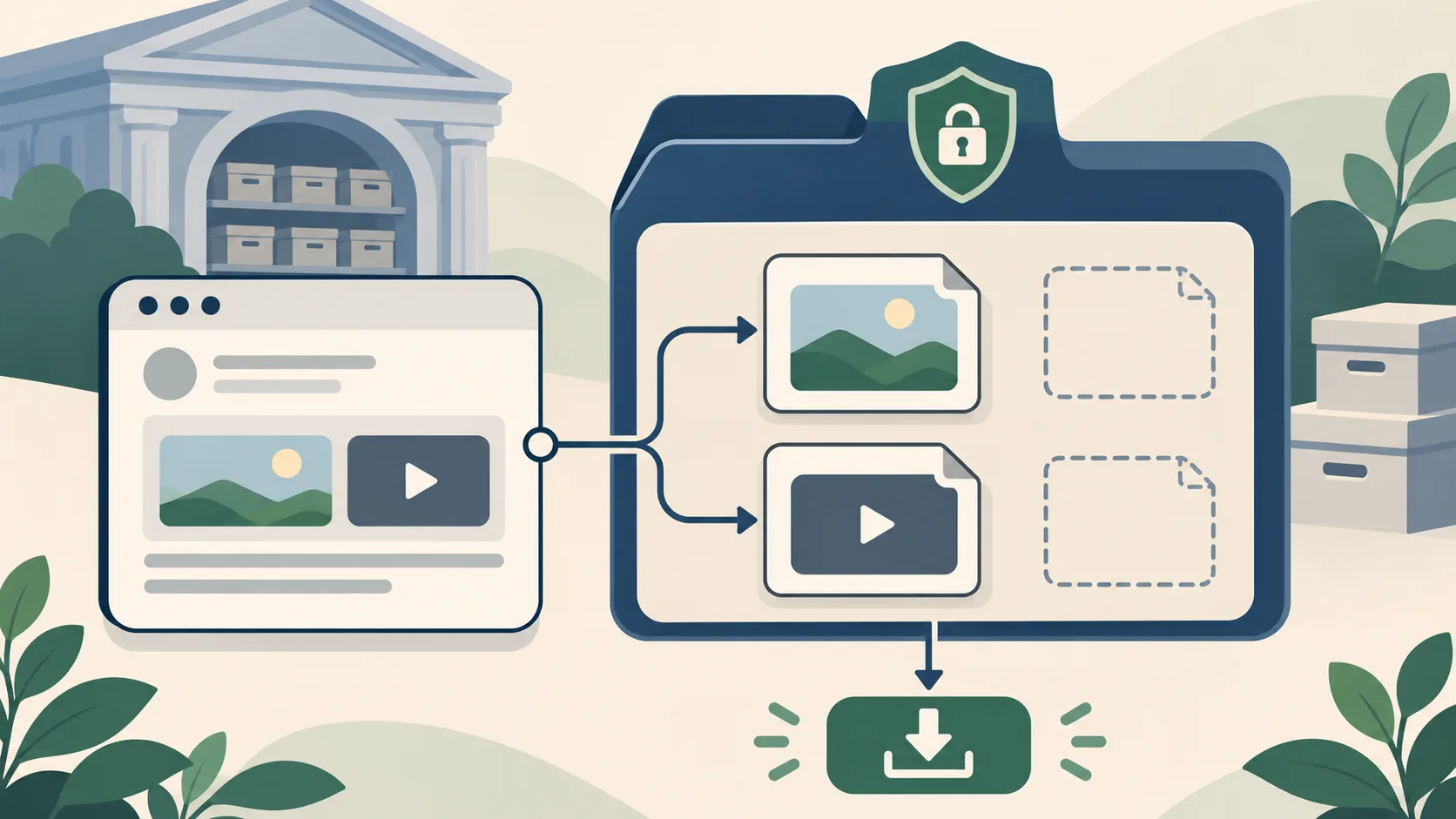
1. Look up the exact post address
Open the Download Archived Media page and paste the public X or Twitter status URL. A direct address narrows the check to one post and helps the service locate its public capture history. If you only know the username, first search the account from the home page, identify the relevant status entry, and then check that specific URL. Confirm the account name and status identifier before relying on a result.
Use the complete URL you have rather than constructing a new one from memory. Old posts may contain a different account path or host than current links, and the status identifier is the part that uniquely points to the post. If you have multiple links, compare IDs and keep the original versions in your notes. The lookup checks archive availability; it does not fetch media from the current platform or make a new archive capture.
2. Compare the available capture dates
The post may have more than one saved timestamp. Open the capture that is closest to the period you are investigating, then compare any other dates that are available. A later page capture can have a broken image even when an earlier one contains a working preview; an earlier snapshot might show text but omit media that was captured later. No timestamp is automatically the best one for every question.
Keep the capture date distinct from the post date. If the archived page shows when the post was published, record that separately. The date associated with a snapshot identifies when the archive recorded the page, not when the original content was created. The history illustration shows how multiple snapshots represent separate moments rather than one continuous recording.

3. Tell a preview from a preserved media file
A preview is often a small image embedded in the post page. The full original image or video may be stored at a different address and can have a different capture outcome. A video player shell, still frame, or thumbnail is not proof that the original video file is available. Before downloading, check that the result identifies a replayable media item and that the file opens as the expected type.
The download action in Find Deleted Tweets requests the archive replay through the site’s media endpoint. If the file is available, the browser should receive the preserved media rather than a newly fetched live copy. If a separate open-capture action is unavailable or the replay does not load, return to the capture history and inspect another date. See Why an Archived Post May Be Missing Text or Media for more on separate assets.

4. Download and keep a clear source record
When a downloadable file is available, save it with a neutral filename and note the post identifier, capture timestamp, media type, and archive replay address shown by the result. Retain the related page snapshot as context rather than treating a file alone as a complete record. If the file is used in a report or editorial workflow, say that it was retrieved from a public archived capture and state what the capture does not establish.
A downloaded file does not independently prove when it was created, who made it, or whether it is the only version. Preserve the source and retrieval notes so another reviewer can understand how you found it. The Archive Evidence Dossier describes the paid report and structured exports for available index entries and captures. It does not provide legal authentication or restore material that the archive did not retain.

5. Why a file may not be available
The page may have been captured without its media, the media host may not have been crawled, or the file may no longer replay from the stored snapshot. A thumbnail can remain even when the original asset is absent. Video is especially likely to depend on separate resources, variants, or streaming behavior that a snapshot did not preserve. If the media list is empty, the current lookup found no downloadable file in the checked capture.
Try a different saved timestamp when one exists, and verify that the status ID is the one you intended. A URL variant can help locate another stored page, but it will not create a missing asset. Do not infer that an empty media list means the post never included an image or video. It only describes what the available capture check returned. For practical troubleshooting, review the FAQ and the broader guide to finding deleted tweets.

6. Rights, privacy, and responsible handling
A public archive copy can still contain material created by someone else or information that was not intended for continued circulation. Before sharing or republishing a file, consider copyright, privacy, context, and the rules that apply to your use. A publicly reachable snapshot is not a blanket license. This guide explains how to locate an archived file; it does not grant rights to distribute it.
Use the minimum media necessary for your purpose, avoid presenting an incomplete capture as definitive context, and identify the archived source and timestamp. If the post involves sensitive personal information, consider whether reproducing it is appropriate even if a capture is available. The service is intended to help inspect public archive availability, not to facilitate harassment or expose private data. The Terms and Privacy pages describe the site’s use and data handling.
A reliable media-check workflow
In short: identify the correct status URL, check its capture history, open the relevant dated page, distinguish the thumbnail from a separate media file, and save the source details with anything you download. If the replay lacks a file, record that limitation and stop treating the preview as an original. If the URL lookup produces no result, use the username index as a separate discovery step and verify the candidate post ID.
Find Deleted Tweets combines the direct lookup with account-level discovery and archive browsing. You can read the full How It Works explanation, browse the search guide, or compare the pricing options for an evidence dossier. Each path reports only the public index entries and archived files that are actually available to inspect.
Choosing a search method
Different starting points answer different questions. Use this comparison to choose a practical first step, then verify the dated page capture itself.
| Method | Useful for | Limit to remember |
|---|---|---|
| Page preview | A visible thumbnail or player frame | May not include the full media file |
| Archived file | A replayable image, video, or animation | Exists only if separately preserved and available |
| Current platform media | The live platform’s present-day file | Not fetched by this archive lookup |
Frequently asked questions
Can I download media if the post page was archived?
Only if the capture also retained a replayable media file. A saved page URL alone does not guarantee a separate image or video asset.
Is a thumbnail the original image?
Not necessarily. A thumbnail is a preview and can have different dimensions or quality from the original file. Label it as a preview unless the file details establish otherwise.
Why does a video show a player but not play?
The snapshot may preserve the page and player shell but not the separate video stream or file resources needed for playback.
Does the tool fetch media from X or Twitter today?
No. The lookup checks public archive captures and does not fill a missing archive file from the current platform media source.
Can a downloaded archived file be republished freely?
No. Public availability does not automatically grant reuse rights. Consider copyright, privacy, context, and applicable rules before sharing.
Summary
A successful media download requires a matching post and a preserved replayable file. Keep the post page, capture timestamp, and file provenance together, and treat missing media as an archive limit rather than a statement about the original post. Start with the direct lookup, read the missing-capture guide, or review Pricing.